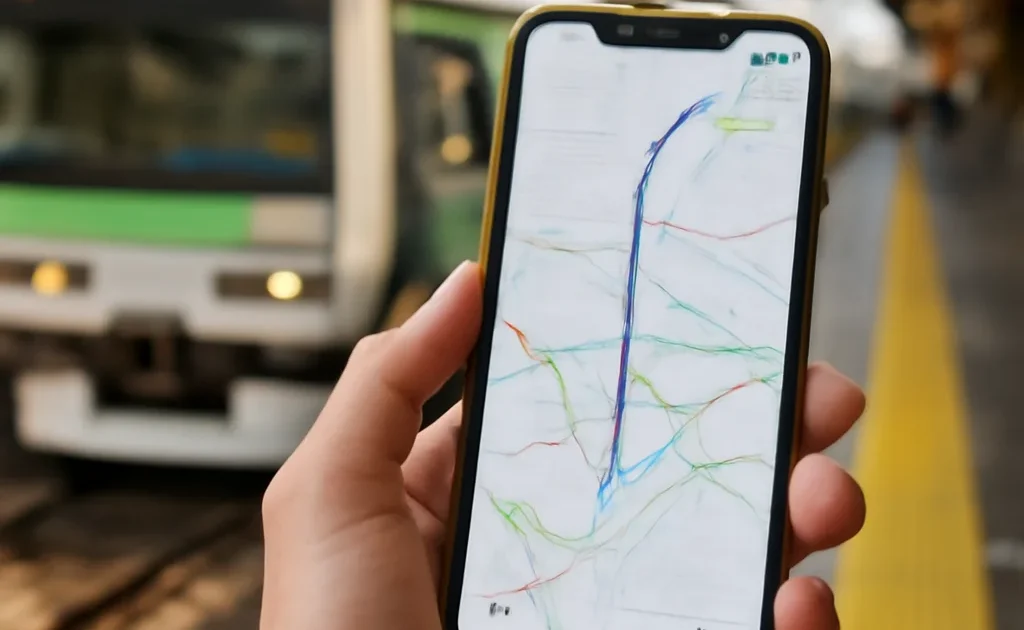
Why Google Maps Is Essential for Japan
Google Maps handles Japan’s complex train network better than any other navigation app. Transit mode gives you exact trains, platform numbers, transfer instructions, times, and costs. It’s correct to within 1 minute for train arrivals.
Setting Up Before Arrival
- Download offline maps for each region you’ll visit (Search area → Download → offline maps)
- Set language to English in Settings if not already
- Save your accommodation addresses to “Saved Places” for quick access
Transit Mode Tips
When searching a destination, select “Transit” from the directions options. Google Maps will show you: the exact trains to take (line name, direction, platform), where to transfer, how many stops, fare estimate, and multiple route options ranked by speed or fewest transfers.
Japan-Specific Features
Walking directions: Works well in Japanese cities — better than printed maps.
Business hours and popularity: Most Japanese businesses have accurate hours listed.
Street View: Essential for finding unmarked alley restaurants and small shops.
Offline maps: Work well for walking and transit even without internet.
Limitations
Google Maps slightly underestimates Tokyo walking times (the city is larger than it looks). For very rural areas, Japanese apps (Navitime) may have better coverage. Parking information is less reliable in Japan than in Western countries.
Plan Your Trip
- 🎫 Tours & activities — Klook
- 🏨 Hotels — EconomyBookings
- 🚕 Airport transfer — Welcome Pickups
- 📱 eSIM & SIM card — Airalo
- 🚗 Car & scooter rental — Localrent
- ✈️ Flights — Kiwi.com