Google Translate for Japan: What Works and What Doesn’t
Camera Translation (Best Feature)
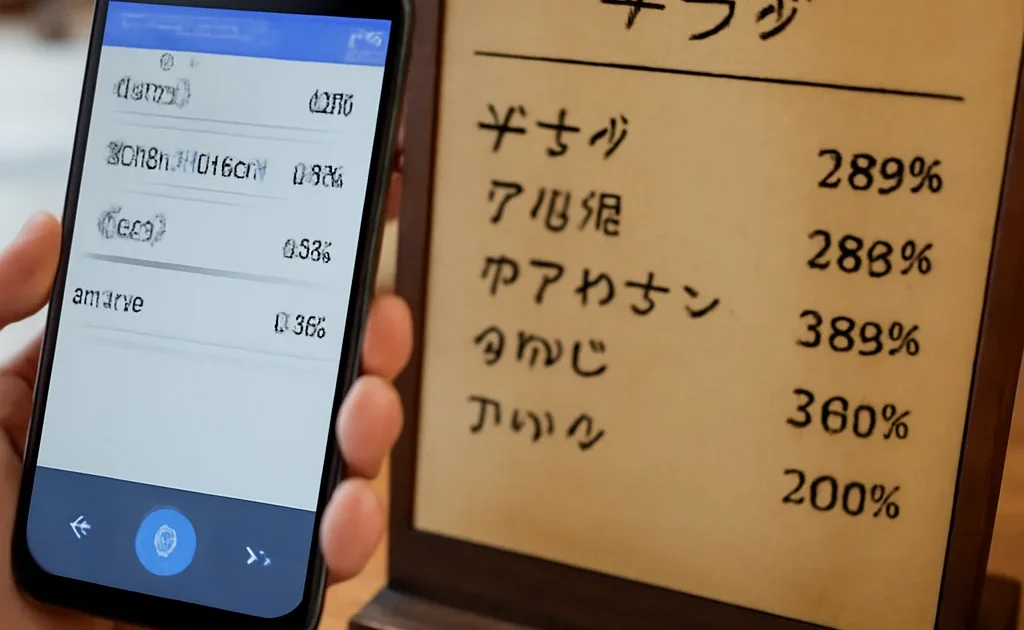
Point your phone camera at Japanese text and it overlays an instant translation. Works remarkably well for menus, signs, instructions, and product labels. Download the Japanese language pack before traveling for offline use.
How to Download Offline Pack
Open Google Translate → Settings → Download Languages → Japanese. This allows camera translation and basic text translation without internet. Essential for Japan.
Best Use Cases
- Restaurant menus: Camera translate the entire menu — not perfect but usually good enough to make food choices
- Signs and instructions: Vending machines, ticket machines, instruction signs
- Product labels: Supermarket and convenience store items
- Shrine and temple explanations: Translate historical information boards
- Medical situations: Type or speak symptoms in English, show translated Japanese to medical staff
Limitations
Handwritten text is less accurate. Contextual menus (descriptions with regional terminology) can be confusing. Voice translation is useful but can startle Japanese people who aren’t expecting it — use politely.
DeepL Alternative
DeepL (deepl.com) produces more nuanced translations than Google Translate for longer text. Both apps installed is the best combination for Japan.
Plan Your Trip
- 🎫 Tours & activities — Klook
- 🏨 Hotels — EconomyBookings
- 🚕 Airport transfer — Welcome Pickups
- 📱 eSIM & SIM card — Airalo
- 🚗 Car & scooter rental — Localrent
- ✈️ Flights — Kiwi.com